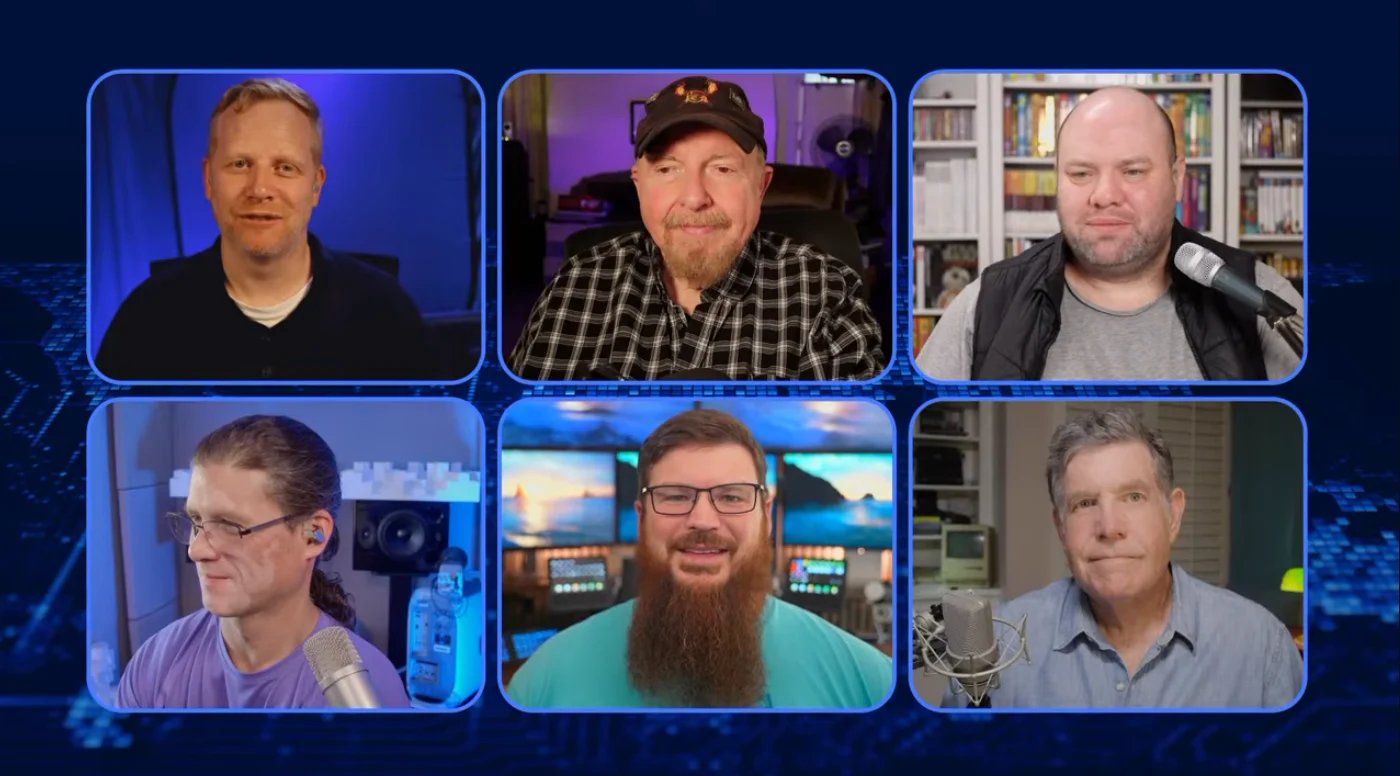
Free, open-source OBS Studio plugin
Bring Zoom participants into OBS as native sources.
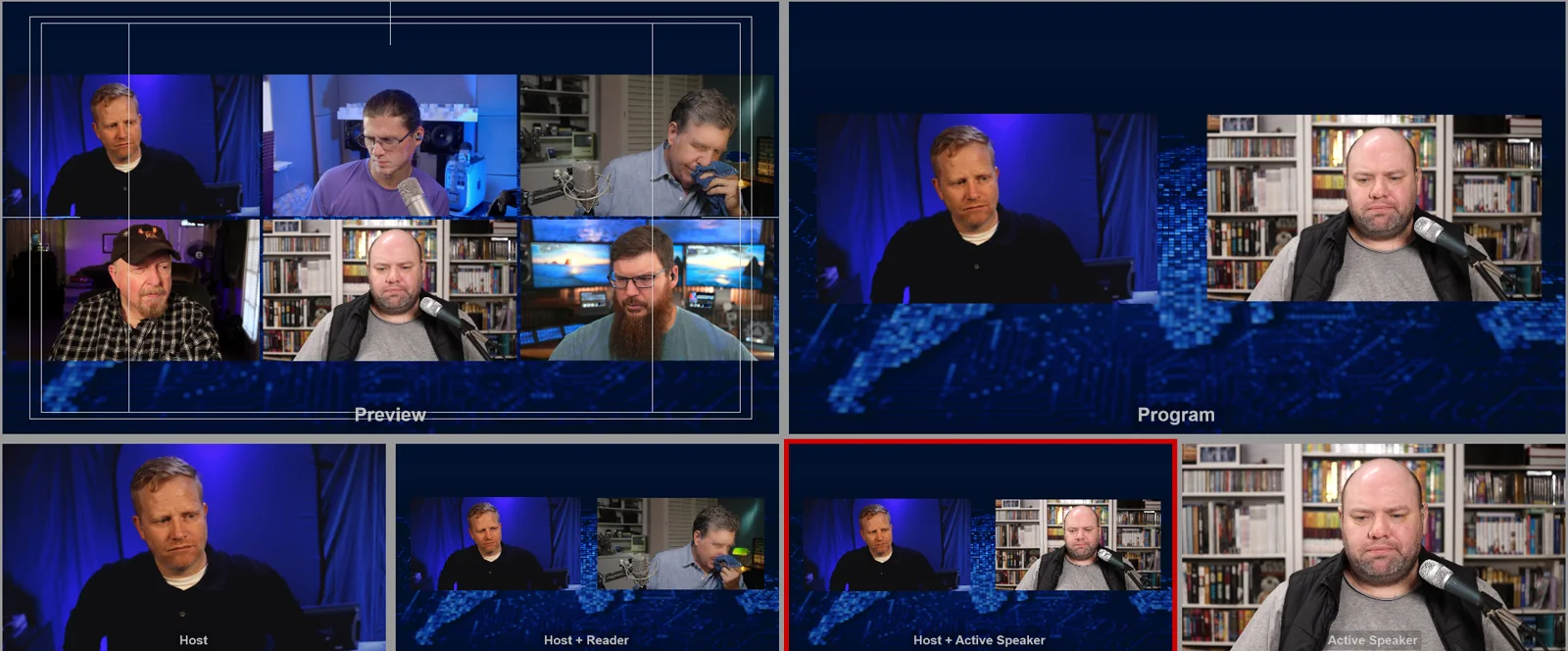
CoreVideo joins the meeting through the Zoom Meeting SDK and hands OBS each participant's own video and audio as a real source — no NDI, no virtual camera, no screen capture, and no second machine. Follow the active speaker, pin spotlight slots, take the screen share, and record every guest to an isolated file.
Talkback, without leaving the meeting
Every show that runs on Zoom eventually needs a way to speak to one person without speaking to the room. The Zoom Meeting SDK carries a private talkback path alongside the meeting floor — 16 channels, up to 10 people each, and members duck under your voice rather than being muted — and both products here are built on it.
ZComms is the standalone answer: a full intercom desk with named talk keys, ALL CALL, latch, extern feeds from a multichannel interface, and breakout-aware routing. It ships today. The OBS plugin also has a Zoom Talkback dock on Windows (v0.1.45 and later); it is unavailable on macOS.